BeautifulSoup Returns Empty Results? Find the Hidden JSON API Instead
When a page loads data with JavaScript, the HTML you download is empty. Use DevTools to find the JSON request behind the page and call it in Python.
You write a scraper with requests and BeautifulSoup, point it at a page full of products, prices or listings, and it returns an empty list. You print the HTML and find almost nothing: a few script tags, a <div id="app"></div> and a message asking you to enable JavaScript. The browser shows hundreds of items, but your script sees none.
Most people now jump to Selenium or Playwright, which start a real browser. That works, but it is slow, heavy, hard to run on a free server and often unnecessary. In many cases there is a much simpler solution: the page gets its data from a JSON endpoint, and you can call that endpoint directly. The result is faster, cleaner and more stable than parsing HTML. This article shows you how to find that endpoint with the browser's developer tools, how to reproduce the request in Python, how to handle pagination, headers and cookies, and what to do when there is no hidden API.
Why the HTML is empty
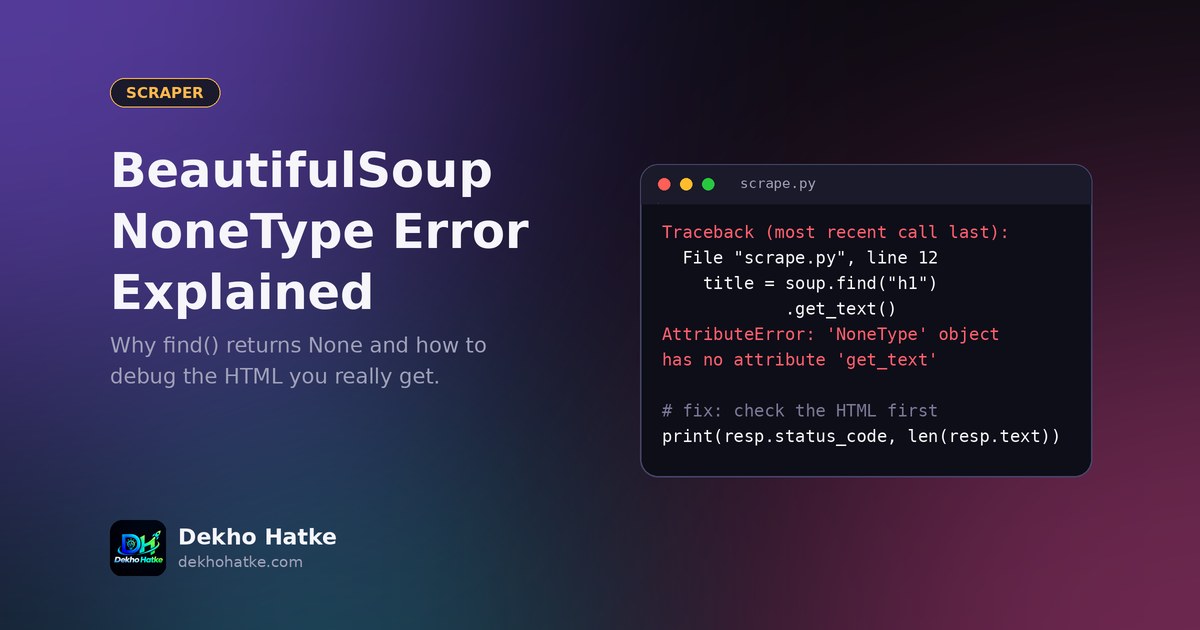
A traditional website builds the full HTML on the server and sends it to you. A modern website often sends a nearly empty page plus JavaScript. The JavaScript runs in your browser, requests data from the server in the background, and then draws the items on the screen. requests downloads only the first, empty document, because it does not run JavaScript. So BeautifulSoup has nothing to parse, and every selector returns None or an empty list. If your first symptom was the NoneType error, our article on fixing AttributeError in BeautifulSoup explains how to confirm this with a saved copy of the HTML.
The good news is in the sentence "requests data from the server in the background". Those background requests are visible to you, and they usually return structured JSON that is easier to use than HTML.
Step 1: Watch the network requests
Open the page in Chrome, Edge or Firefox and follow these steps:
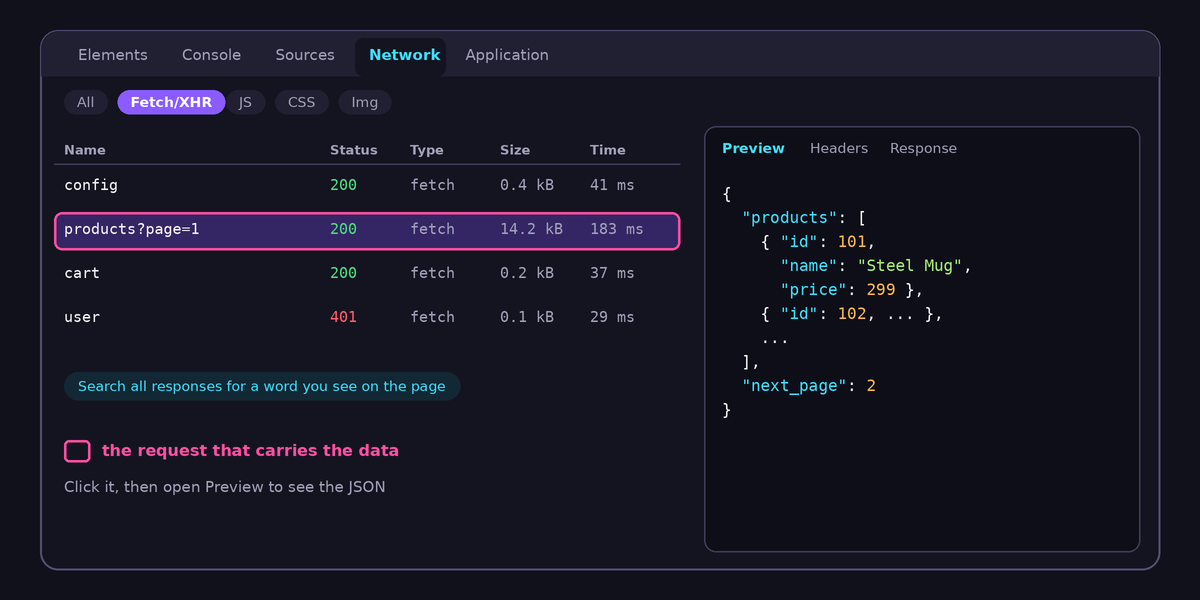
- Press F12 to open the developer tools and click the Network tab.
- Click the Fetch/XHR filter. This hides images, fonts and stylesheets and shows only data requests.
- Reload the page with the tab open so that the requests are recorded.
- Scroll the page, click "Next page" or "Load more". New requests appear when more data loads.
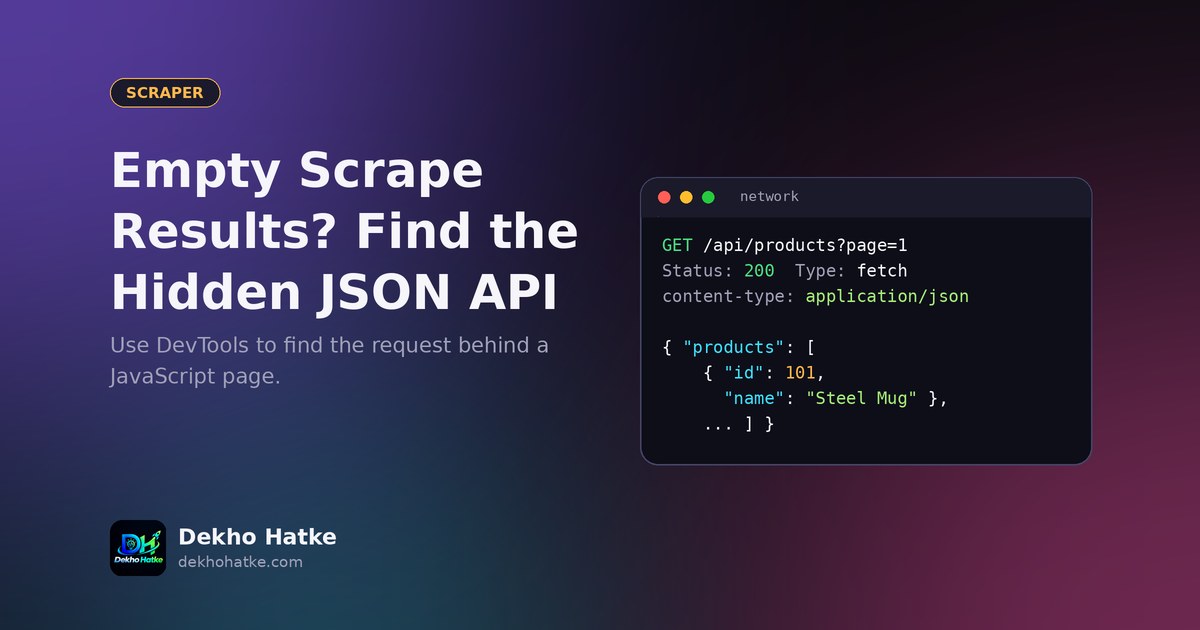
- Click each request and open the Preview or Response panel. You are looking for one that contains the items you see on the screen, as a list of objects with names, prices, ids and so on.
Use the search box of the Network tab (the magnifier icon) to search all responses for a word that you can see on the page, such as a product name. The request that contains it is the one you want. When you find it, look at the Headers panel and note four things: the full URL, the method (GET or POST), the query string parameters and the request headers.
Step 2: Reproduce the request in Python
Take the URL and call it from your script. A first attempt can be very short:
import requests

url = "https://example.com/api/products"
params = {"category": "phones", "page": 1, "limit": 24}
headers = {
    "User-Agent": "Mozilla/5.0 (compatible; MyScraper/1.0)",
    "Accept": "application/json",
}

resp = requests.get(url, params=params, headers=headers, timeout=20)
print(resp.status_code)
data = resp.json()
print(list(data.keys()))
The params dictionary becomes the query string, so you can change page and limit in code. Call resp.json() to turn the answer into Python dictionaries and lists. Print the keys first to learn the structure, and then pick out the fields you need:
items = data["products"]
for it in items:
    print(it["id"], it["name"], it["price"])
The exact names depend on the website. If a name does not exist you will get a KeyError, so use it.get("price") for optional fields.
A shortcut: Copy as cURL
Browser tools can copy a request exactly as it was sent. In the Network tab, right-click the request, choose Copy, then Copy as cURL. Paste the command into a terminal to confirm that it works outside the browser. Then translate it to Python by hand, keeping only the headers that matter. Many tools can convert a cURL command into requests code automatically, but always read the result, and remove personal cookies or tokens before you save or share the code.
Step 3: Add the headers that matter
If your request returns 403 or an empty body while the browser works, the server expects something the browser sends. Check these in the order of how often they matter:
- User-Agent: some servers reject the default
python-requestsvalue. Send a clear and honest one, for example the name of your project. - Referer and Origin: some endpoints accept calls only from their own pages. Setting
Refererto the page address often solves it. - Accept and Accept-Language: an endpoint may return a different format or language without them.
- Cookies: if the page sets a session cookie when it loads, the data request might need that cookie. Use a
requests.Session(), first request the normal page, and then the API URL. The session stores and sends cookies automatically.
import requests

s = requests.Session()
s.headers.update({"User-Agent": "Mozilla/5.0 (compatible; MyScraper/1.0)"})

s.get("https://example.com/products", timeout=20)  # collects cookies
r = s.get(
    "https://example.com/api/products",
    params={"page": 1},
    headers={"Referer": "https://example.com/products"},
    timeout=20,
)
r.raise_for_status()
print(r.json())
Do not copy tokens that identify a logged-in person, and do not try to get around a login. If data requires an account, use only your own account within the website's terms, or ask the owner for an API key.
Step 4: Handle pagination
Lists are split into pages. There are three common styles, and the Network tab shows you which one the site uses when you click "next":
- Page numbers:
?page=1,?page=2. Loop until a page returns no items. - Offset and limit:
?offset=0&limit=50, thenoffset=50. Add the limit each time. - Cursor tokens: the response contains a value such as
next_cursorornextPageToken, and you send it in the next call.
A loop that works for the first two styles and stops safely:
import time
import requests

def fetch_all(url, headers, max_pages=50):
    out, page = [], 1
    while page <= max_pages:
        r = requests.get(url, params={"page": page, "limit": 50}, headers=headers, timeout=20)
        r.raise_for_status()
        batch = r.json().get("products", [])
        if not batch:
            break
        out.extend(batch)
        page += 1
        time.sleep(1)  # be polite
    return out
The max_pages limit protects you from an endless loop if the server keeps returning the same page, and the sleep keeps the load on the server small. For cursor-based APIs, replace the page counter with cursor = data.get("next_cursor") and stop when it is empty.
Step 5: Look inside the HTML for embedded data
Sometimes there is no separate request because the server places the data inside the first HTML document, in a script tag, so that the page can start quickly. You can read it without any browser. Search your saved HTML for a product name and see whether it appears inside a <script>. Two common forms:
- A
<script type="application/ld+json">block with structured data for search engines. - A script such as
<script id="__NEXT_DATA__" type="application/json">(used by Next.js sites) or a variable likewindow.__INITIAL_STATE__ = {...}.
For the first two forms the content is pure JSON:
import json
from bs4 import BeautifulSoup

soup = BeautifulSoup(resp.text, "html.parser")

tag = soup.find("script", id="__NEXT_DATA__")
if tag:
    data = json.loads(tag.string)
    print(data.keys())

for block in soup.find_all("script", type="application/ld+json"):
    info = json.loads(block.string)
    print(info.get("@type"), info.get("name"))
For a JavaScript assignment you can use a regular expression to cut out the object and then json.loads it. Test it carefully, because quotes and trailing semicolons make this fragile.
When there is no usable API
Some pages protect their data with signed requests that change every few seconds, encrypted payloads or a challenge that only a real browser can pass. In that case you have three options:
- Use an official API or feed. Check the site's footer for "Developers" or "API", look for an RSS feed, a sitemap with product data, or a public data download.
- Use a headless browser such as Playwright for the pages that really need it, and still prefer JSON responses: you can listen to the network responses inside Playwright and read the JSON from them, instead of parsing the rendered HTML.
- Stop. If the site clearly does not want automated access, respect that.
A headless browser is a tool for the hard cases and not the default, because it needs more memory and time. On a small free server, it is often not practical at all.
Be a good citizen
The fact that you can see a request does not give you the right to hammer it. Follow these rules for your own safety and for the health of the sites you use:
- Read
robots.txtand the terms of service. If scraping is forbidden, do not do it. - Add pauses between requests, and keep the number of requests low. Cache the answers on disk while you develop.
- Identify your script honestly in the User-Agent and give a contact address if the project is public.
- Collect only the data you need. Do not collect personal data or copy content that you plan to republish without permission.
- Never bypass logins, paywalls or captchas.
Make it reliable
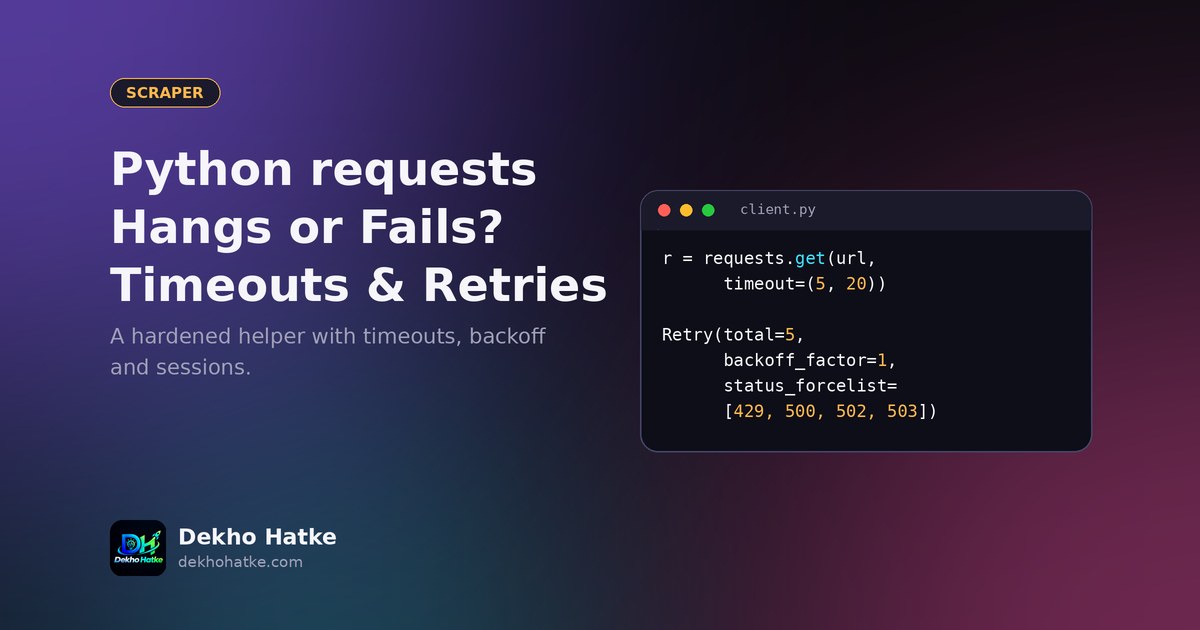
Once the data flow works, wrap the request in a helper with a timeout, retries and error handling. The rules for that are in our guide to timeouts, retries and sessions in requests. Save the result to a file that Excel can read: this article explains why a CSV can show broken characters and how to fix it. If the job should run every day, move it to a schedule as described in our cron and Render guide.
Frequently asked questions
Is calling a hidden API legal?
It depends on the website's terms, your country's laws and what you do with the data. A request that a public page makes for every visitor is not secret, but terms of service may still forbid automated use. Read them, prefer official APIs and ask for permission when in doubt. This article is technical guidance and not legal advice.
Why does the request work in the browser but give 403 in Python?
The server expects headers or cookies that your script does not send, or it checks the browser's behaviour. Compare your request with the one from the Network tab and add the missing Referer, Accept and cookie values. If the server uses active bot detection, there may be no honest way to continue.
What if the response is not JSON?
Some endpoints return XML, HTML fragments or GraphQL responses. A fragment of HTML can be parsed with BeautifulSoup as usual. For GraphQL, copy the exact POST body that the page sends, including the query and variables, and change only the variables.
Is JSON better than HTML parsing?
Usually yes. JSON field names change less often than visual class names, you receive numbers and booleans in the right type, and there is no layout noise. It still can change, so validate the fields you depend on.
Final thoughts
An empty BeautifulSoup result on a modern site is not a dead end. Open the Network tab, find the request that carries the data, repeat it in Python with the same parameters and headers, and loop through the pages politely. You will end up with code that is shorter, faster and much easier to keep running than any browser automation.